 Pattern (and How I Fixed It) "Pin It")
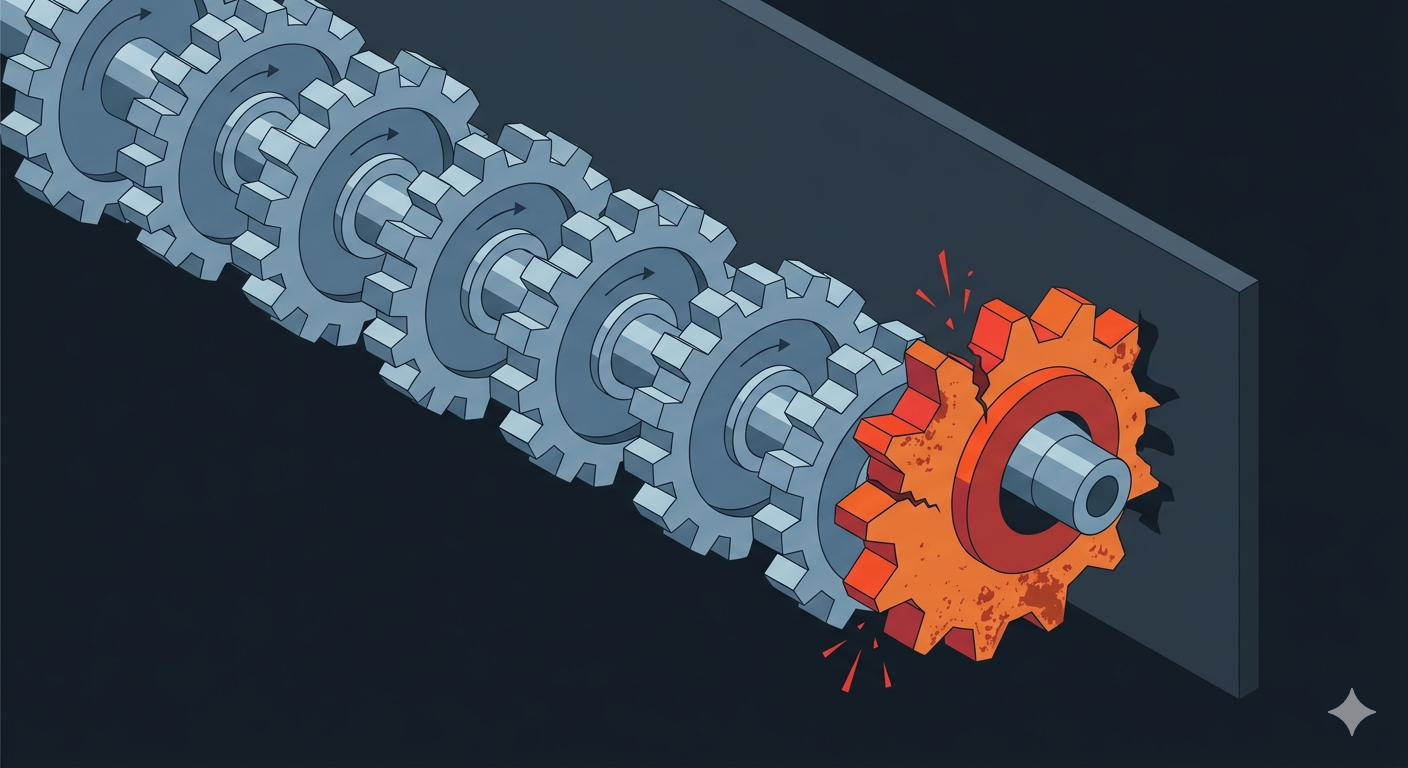
Every indicator in quantedge-ta before the Stochastic Oscillator shares a design pattern: each new bar’s contribution decays over time. SMA: uniform average, old bars age out as the window slides. EMA: exponential weight, old contributions shrink but never hit zero. RSI: Wilder’s smoothing, same story. MACD: two EMAs composing. ATR: Wilder’s smoothing on True Range.
None of them ever need to “un-see” a specific old bar. They decay or forget. The streaming update is simple: give me one new value, I’ll give you one new output, I never need to look back.
Stochastic breaks that pattern completely.
What Stochastic Actually Asks
The Stochastic Oscillator measures one thing: where did the close land relative to the period’s range?
%K = (close - lowest_low(14)) / (highest_high(14) - lowest_low(14)) × 100Near 100 means the close was at the top of the range, buying pressure. Near 0 means it was at the bottom, selling pressure. The signal line, %D, is just a 3-bar SMA of %K.
The formula is simple. The problem is highest_high(14) and lowest_low(14).
The Naive Approach
The obvious implementation: keep two separate rolling buffers, one for highs and one for lows. On each bar, scan each buffer for the extreme.
<pre class="wp-block-prismatic-blocks"><code class="language-rust" data-line="">let highest = self.highs.iter().max().unwrap();
let lowest  = self.lows.iter().min().unwrap();</code></pre>
This works correctly. It’s also O(length) per bar, which goes against the O(1) design aim of the rest of the library. Sure, it works, but we can do better. One of quantedge-ta‘s goals is to provide the most performant indicators possible (or at least the most performant that makes sense). We already have a RollingSum that avoids rescanning the window for cumulative values. Maybe we can apply a similar idea here: track the extremes incrementally instead of recomputing them from scratch every bar.
Tracked Extremes with Lazy Rescan
The approach: track the position and value of the current extreme in each ring buffer.
On each update, the new value is compared against the tracked extreme. If the new value is higher (for the max buffer) or lower (for the min buffer), the extreme is updated and the position is reset. Otherwise, the position is advanced, keeping the same extreme value. That’s O(1).
When the tracked extreme is pushed out of the window, a full rescan of the buffer finds the new extreme. That’s O(n), but it only happens when the extreme falls off the edge.
The result: amortised O(1) with an occasional linear scan. For the window sizes traders typically use (14, 20, 50 bars), the common path is a single comparison and an increment. The rescan only triggers when the extreme falls off the edge, and at small windows that’s cheap (14 comparisons is nothing). Simple to implement, easy to reason about, and fast where it matters most.
One thing that makes this easier: the OHLCV contract. Within a bar, the high can only go up and the low can only go down. During a repaint (same open_time, updated values), we never need to handle a decreasing high or an increasing low. Fewer branches, fewer edge cases, simpler logic on the hot path.
In Rust: two RingBuffer structs (one for highs, one for lows), each backed by a pre-allocated Vec. Bounded memory, zero allocations after init, and the whole thing lives in RollingExtremes, a shared struct that Stochastic, Williams %R, and Donchian Channels all reuse, and future indicators can leverage too.
Two Edge Cases Worth Naming
Flat market: If highest_high == lowest_low, every bar in the window had the same price, the range is zero. Dividing by zero is wrong; returning None is misleading (the indicator has converged, the market is just flat). The convention, which TradingView follows, is to return %K = 50.0. Middle of an undefined range. Arbitrary but consistent.
Slow vs Fast: TradingView’s default “Stoch” is Slow Stochastic, which applies an extra SMA-3 smoothing to %K before computing %D. If you’re validating against TradingView with default settings, your numbers will differ. quantedge-ta implements Fast Stochastic. To compare directly, set TradingView’s Smooth parameter to 1.
Convergence
For the default k_length=14, d_length=3:
| Bar | %K | %D |
|---|---|---|
| 1 to 13 | None | None |
| 14 | Some(…) | None |
| 16 | Some(…) | Some(…) – first signal line |
First %D arrives at bar 16 (the d_length bars need %K values to average).
What’s in quantedge-ta
As of v0.12.0, quantedge-ta has 14 indicators, all amortised O(1) per update, all with live bar repainting via open_time tracking.
The tracked-extremes approach isn’t exotic. It’s just not what anyone reaches for first when they think “sliding window maximum”. That’s the point of writing this down.